
Translate an audio file into another language without spending a dime, directly from a browser: the need exists among both content creators and professionals managing multilingual meetings. Free tools have multiplied, but their limitations vary depending on the accepted format, translation quality, and the quota of minutes offered.
This ranking is based on three criteria: reliability of the source transcription, number of target languages, and actual restrictions of the free plan. To delve deeper into the topic, the free audio translation solutions on Claravox detail several of these platforms with complementary comparisons.
1. ElevenLabs Translate Audio

ElevenLabs offers an online audio translation tool that accepts MP3, WAV, and M4A files. The process is straightforward: you upload your file, select the target language, and the platform generates a translated version while preserving the original vocal characteristics.
Support exceeds 90 languages, making it one of the broadest catalogs among free tools. However, the free version imposes a limit of one minute per file, which confines usage to short excerpts or tests before moving to a paid plan.
The strong point lies in the preservation of vocal timbre after translation. The translated voice does not sound like a generic robot, which is a game-changer for video creators who want to dub content without losing the sound identity.
2. Google Translate (voice mode)

Google Translate remains a go-to for audio translation, and the voice feature has reached a new level. With Gemini 3.5 Live Translate, Google has integrated a near real-time voice translation in over 70 languages, with enhanced robustness against background noise and preservation of intonation.
A often-overlooked advantage: the ability to download languages for offline translation, including for voice use. For travelers or in low-connectivity environments, this is a benefit that most web competitors do not offer.
The main limitation lies in the input format. Google Translate works better with direct voice input (microphone) than with importing pre-recorded audio files. To translate an existing recording, it often needs to be replayed in front of the microphone, which remains a manual process.
3. CapCut (bilingual subtitle translation)

CapCut approaches audio translation from a different angle: instead of translating sound directly, the tool automatically generates subtitles in the source language and then translates them into the target language. The result takes the form of bilingual captions overlaid on the video.
This approach is particularly suitable for videographers who publish on social media and want to reach an international audience without resorting to voice dubbing. Output formats include TXT and SRT, allowing translations to be reused in other editing software.
The free plan of CapCut is relatively generous compared to other tools, but the conversion of translated captions into synthetic audio remains limited in terms of vocal naturalness. If you are looking for a translated audio file rather than subtitles, other options will be more suitable.
4. Maestra AI

Maestra combines transcription, translation, and subtitling in a single online interface. The tool accepts audio and video files, generates an automatic transcription, and then offers translation into several dozen languages.
What sets Maestra apart is the integrated workflow. You do not need to go through a separate transcription tool before translating: everything is done sequentially on the same platform. For podcasters or trainers producing long content, this represents a real time saver.
The free plan has restrictions on file duration and the number of simultaneous languages. Feedback on the quality of transcription in French varies, particularly for regional accents or technical vocabulary.
5. Live Subtitles (Microsoft Store)

Live Subtitles illustrates a recent trend: audio translation integrated directly into the operating system rather than a website. Available via the Microsoft Store, this tool captures system audio (playing video, video conference, podcast) and generates translated subtitles in real-time.
The main interest is the versatility of the input stream. No need to export a file or upload it anywhere: anything that passes through your PC’s sound card can be transcribed and translated on the fly. To follow a conference in a foreign language or understand an uncaptioned YouTube video, the solution remains discreet and effective.
The downside: the tool works only on Windows, and the quality of translation heavily depends on the clarity of the source audio.
6. Fireflies.ai

Fireflies.ai is primarily a meeting assistant, but its free plan includes a transcription and translation feature that deserves attention. The tool integrates with Google Meet and Zoom, records the conversation, and then produces a transcription with speaker identification.
The translation occurs downstream: once the transcription is generated, it can be exported and translated. This is not direct audio translation in the strict sense, but for international teams needing multilingual reports, the flow is relevant.
- Free plan limited in the number of meetings transcribed per month
- Speaker identification functional but improvable when multiple people speak simultaneously
- Export in several text formats, no translated audio file output
7. Adobe Premiere Pro (caption translation)
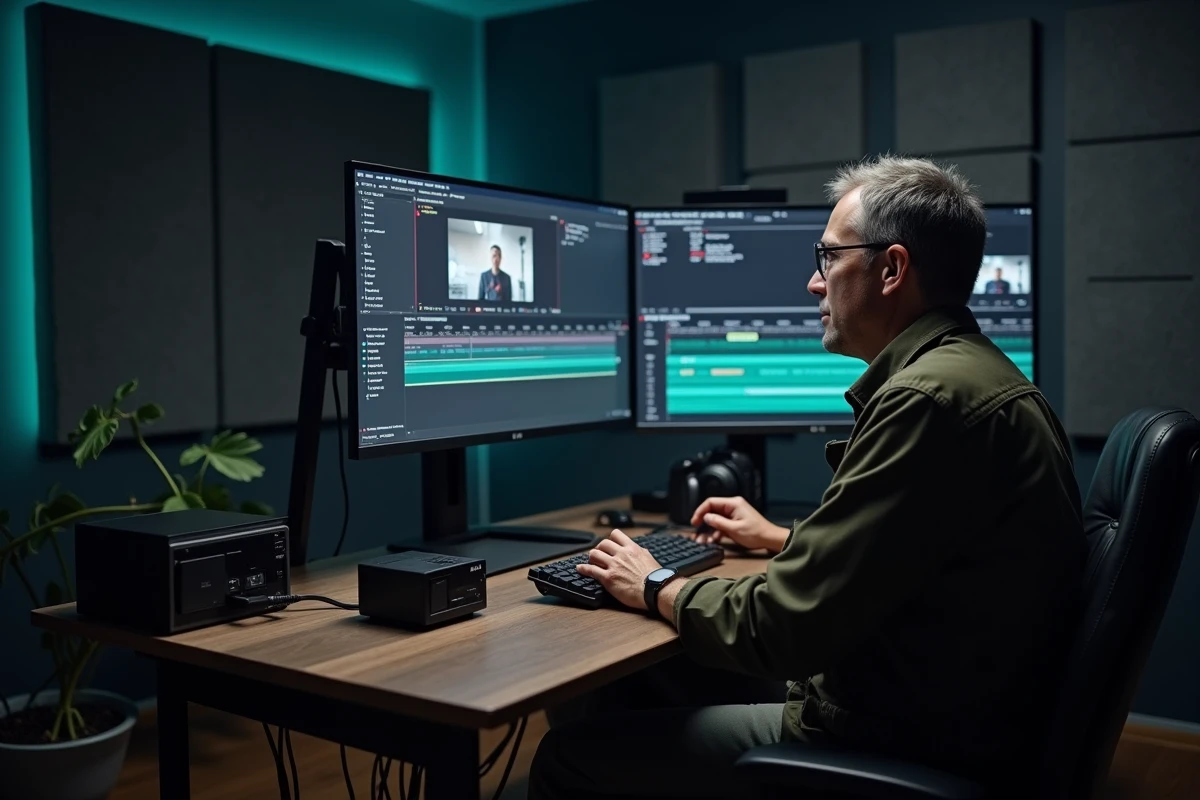
Adobe Premiere Pro is not an audio translation tool per se, but its automatic caption translation feature integrated into the editing software deserves its place here. The process involves generating automatic subtitles, then directly translating them in the captions panel.
The advantage is the native integration into a professional editing environment. No back-and-forth between multiple platforms: transcription, translation, and timing of subtitles are done within the same project. For videographers already working in Premiere, the productivity gain is tangible.
The free version of Premiere is limited (trial period), and the translation relies on the quality of the initial transcription. In fast dialogues or noisy environments, manual corrections remain necessary.
The choice between these tools depends less on the marketing promise than on the starting format (audio file, live stream, video) and the expected result (translated audio, bilingual subtitles, text report). No free tool yet perfectly covers the entire chain, from raw audio to a quality professional translated voice file. Testing two or three solutions on the same excerpt remains the most reliable method to identify the one that matches your actual usage.